Crafting Smiles, with precision
Classic dental lab introduction
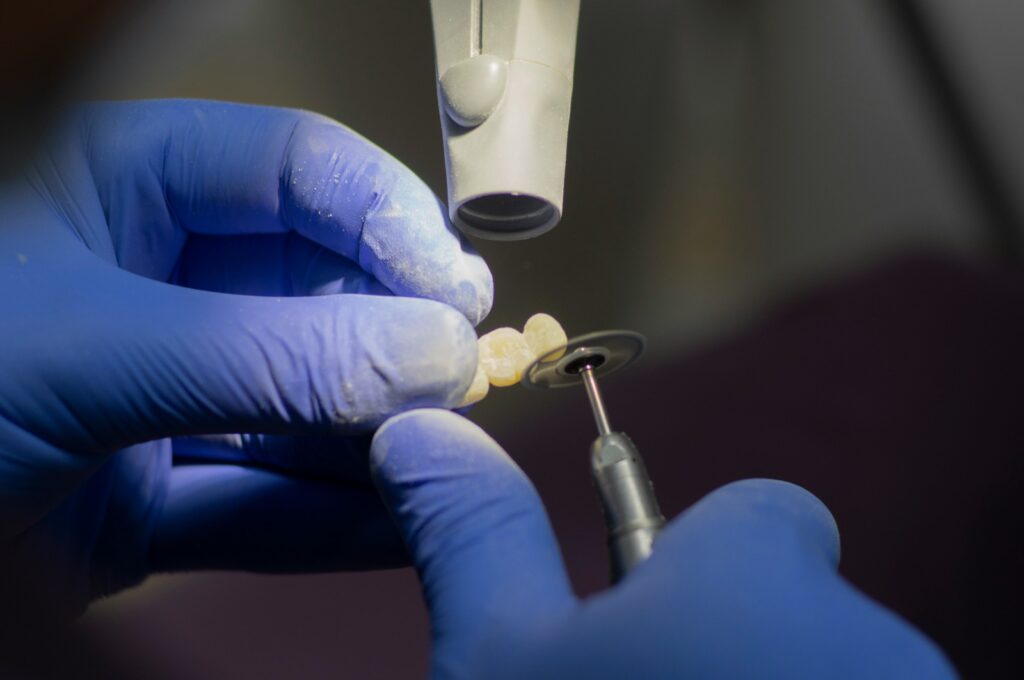
At Classic dental lab we combine traditional craftsmanship with modern dental technology to provide high quality dental restorations which you can trust. Our focus on precisions, reliability and aesthetics makes our work extraordinary.
We believe in strong communication relationship which is primary objective for us to establish with our clients, this is the key for success, which we find very helpful for clinicians as well as technicians to deliver what we can call the real quality.
Services
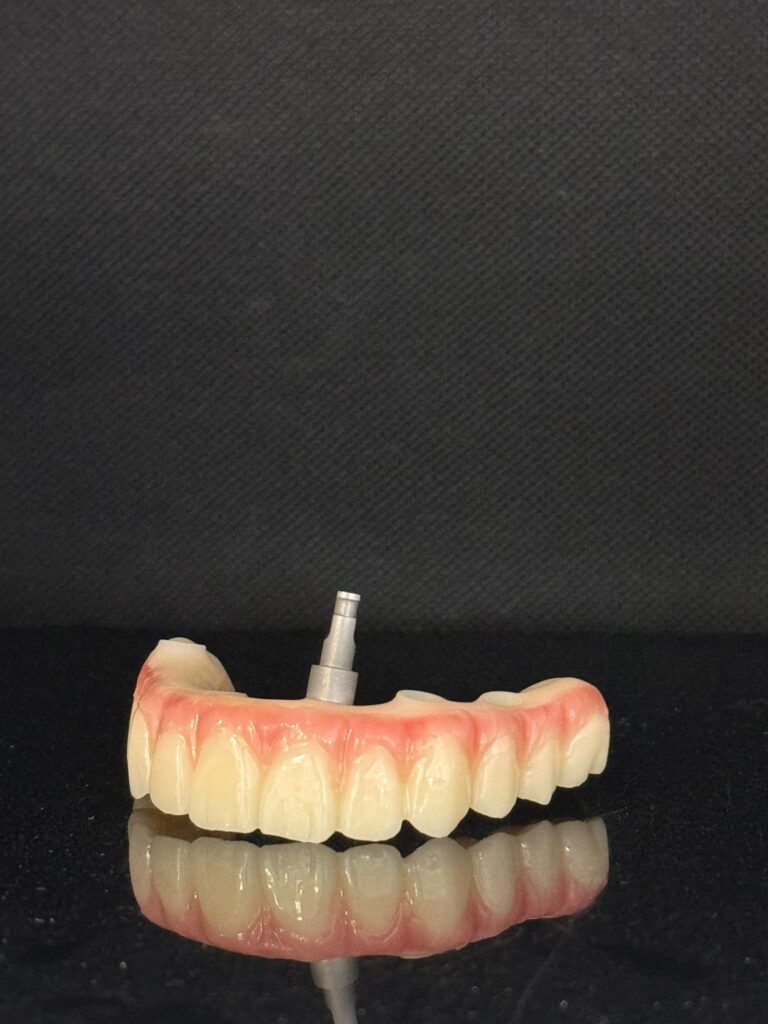
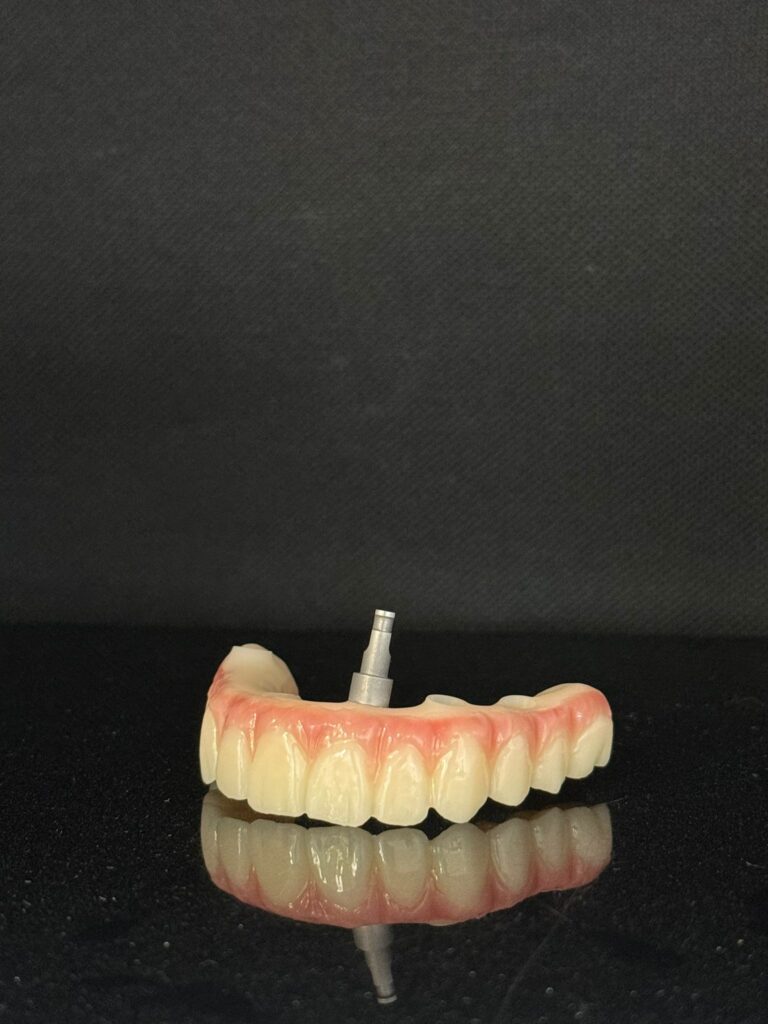
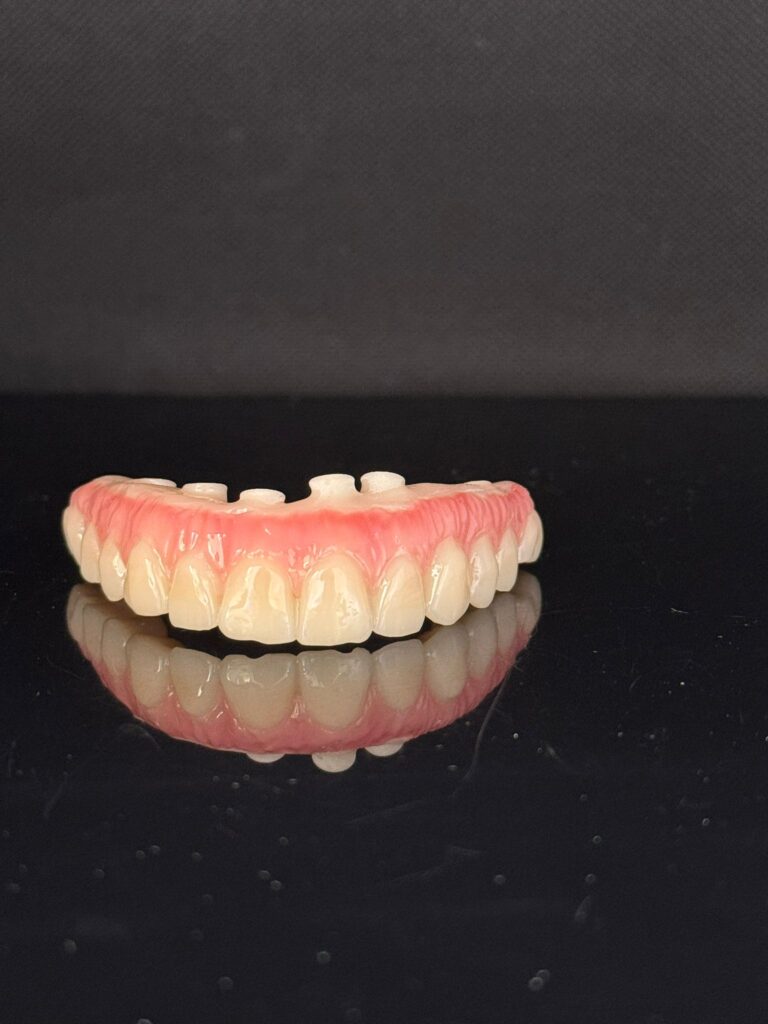
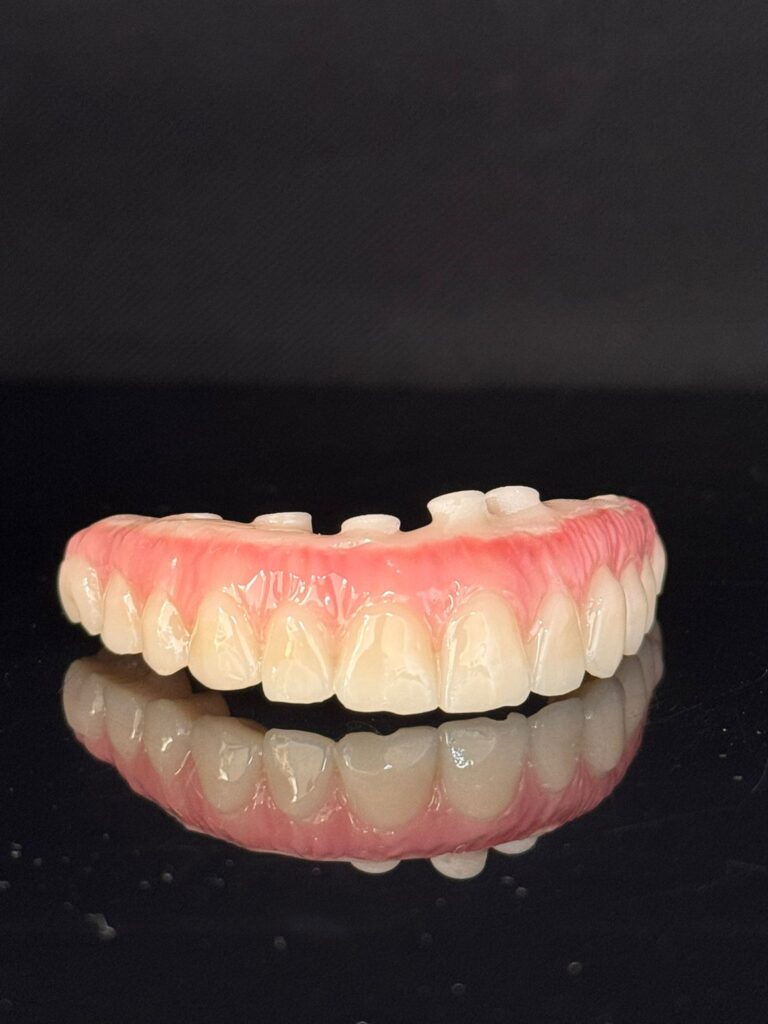
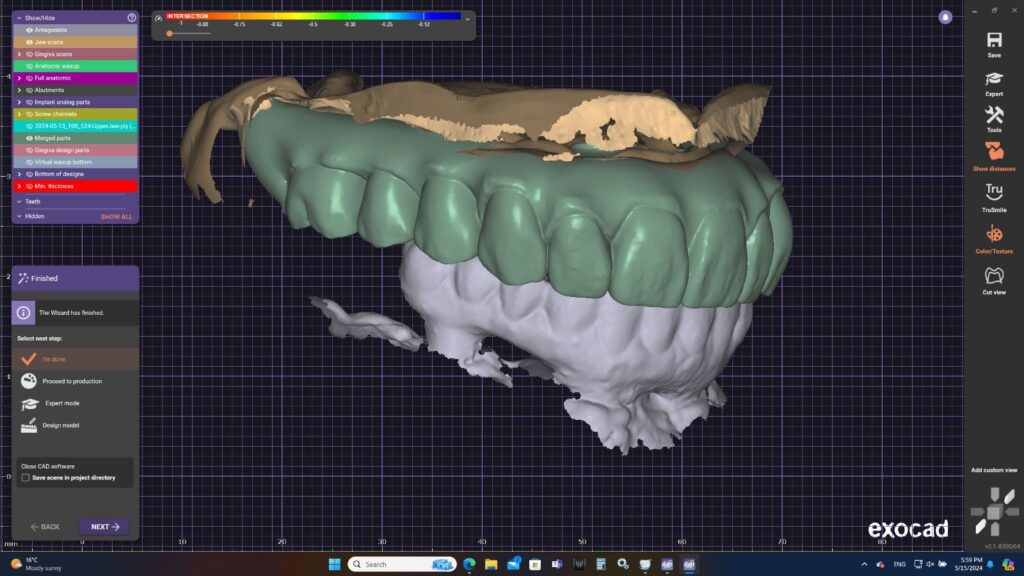
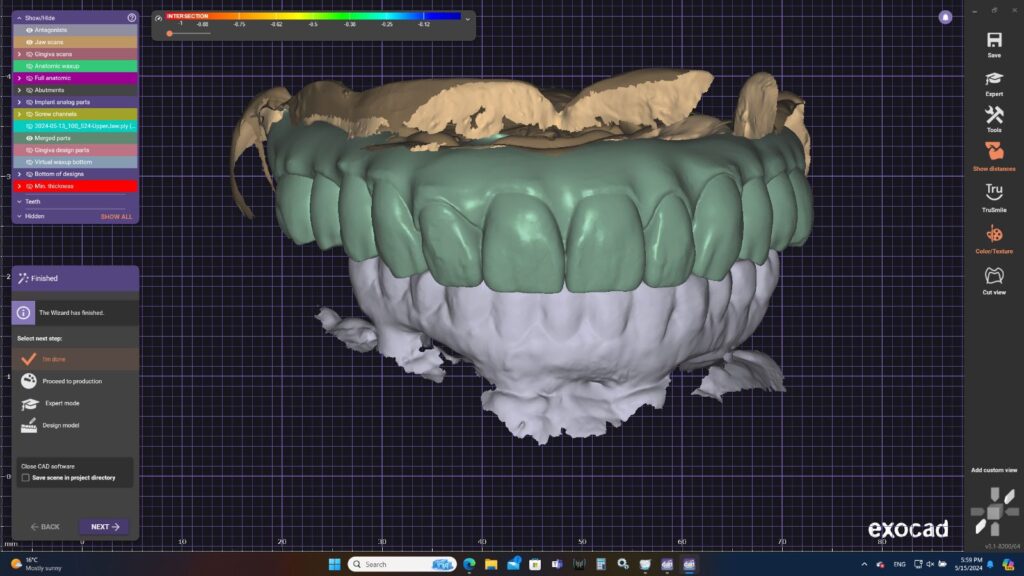
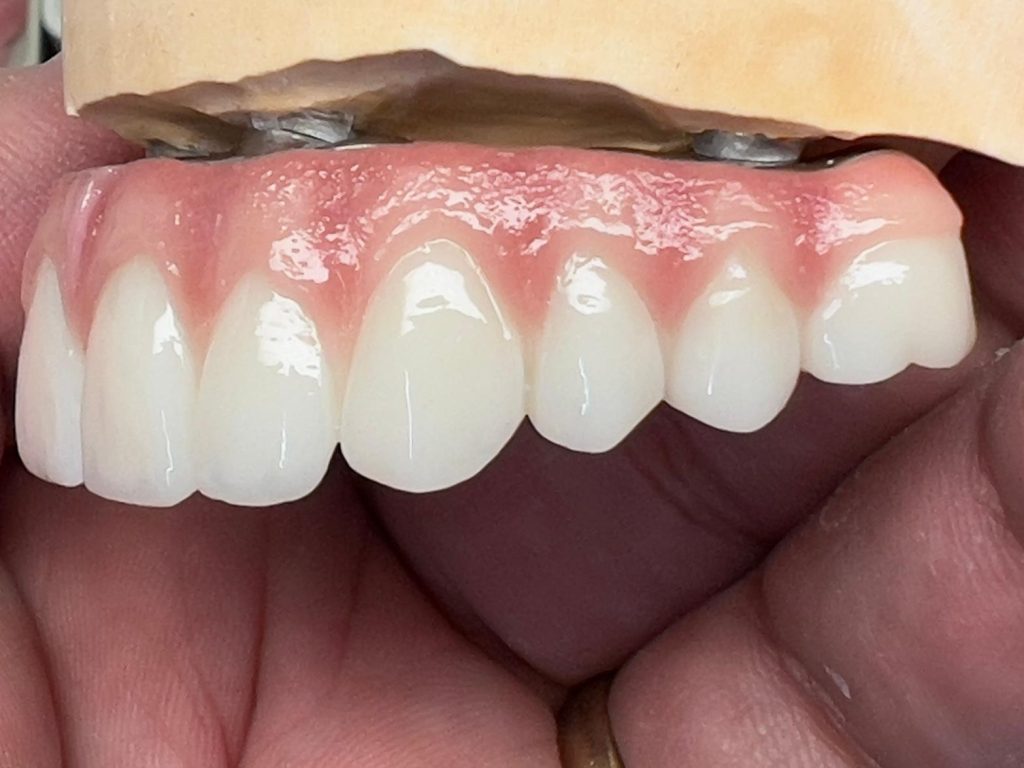
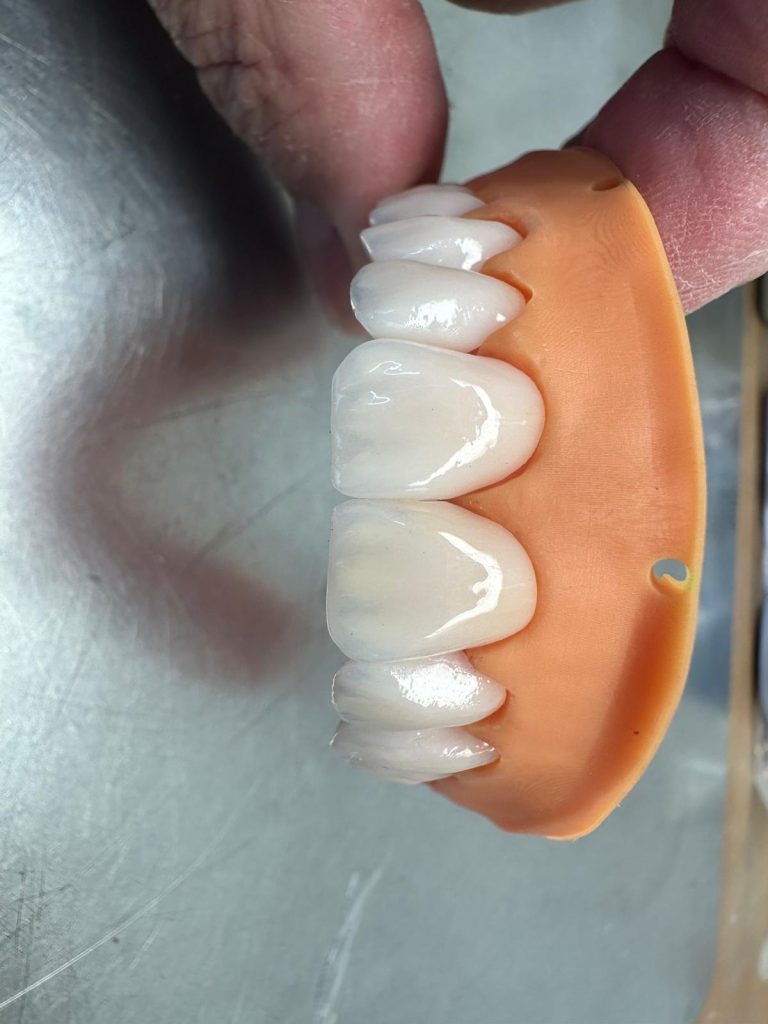
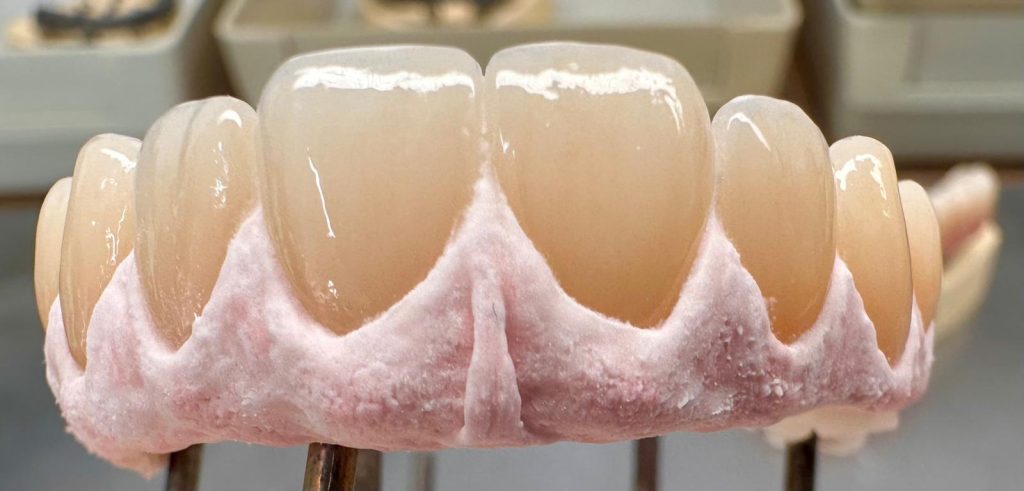
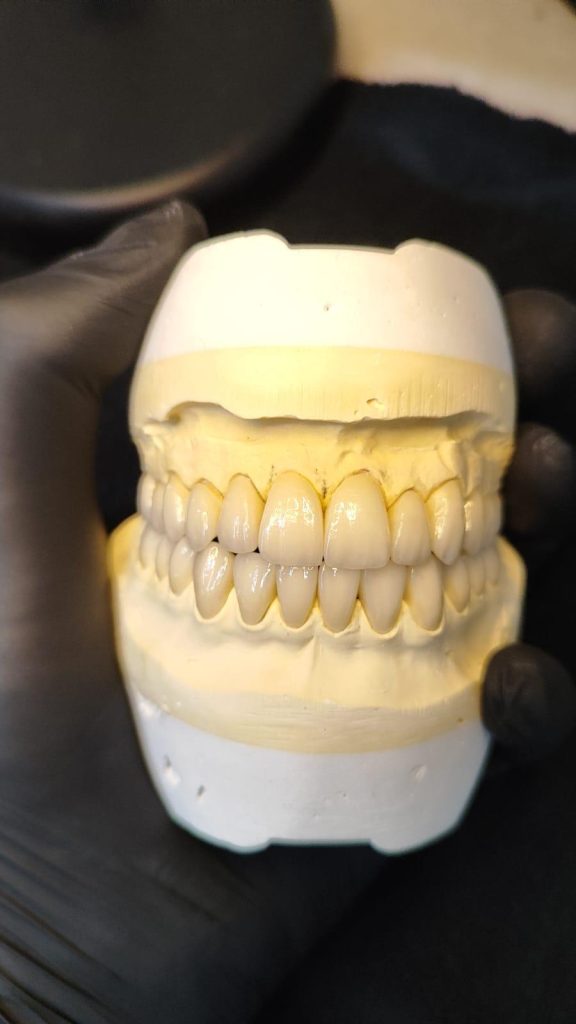
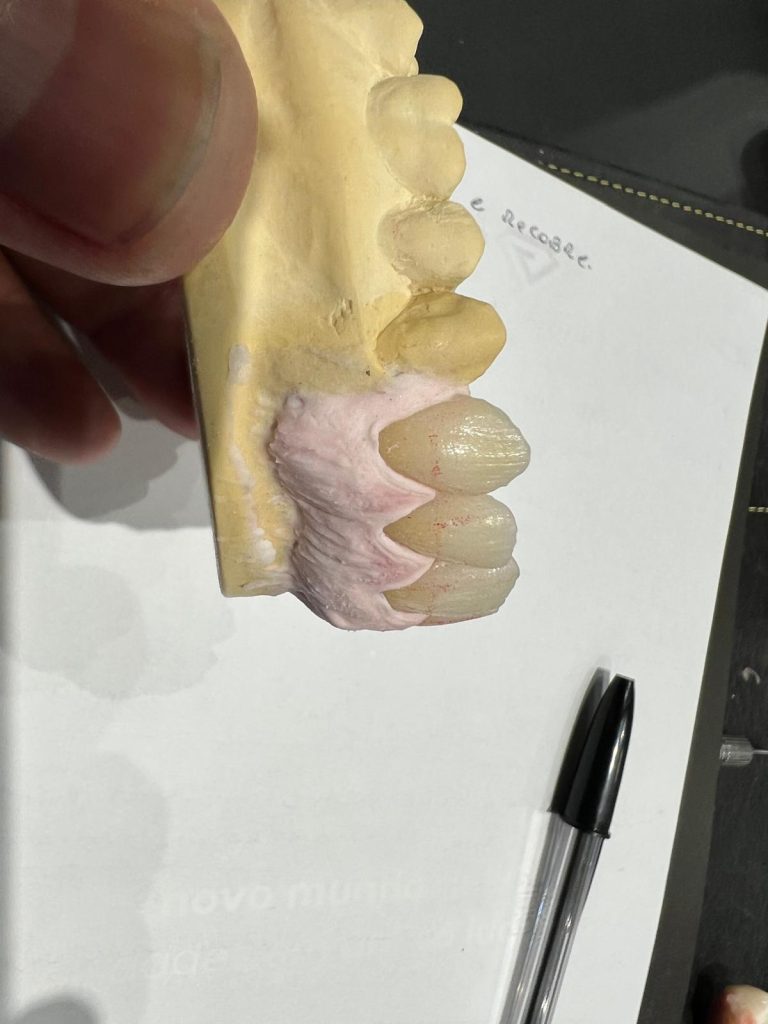
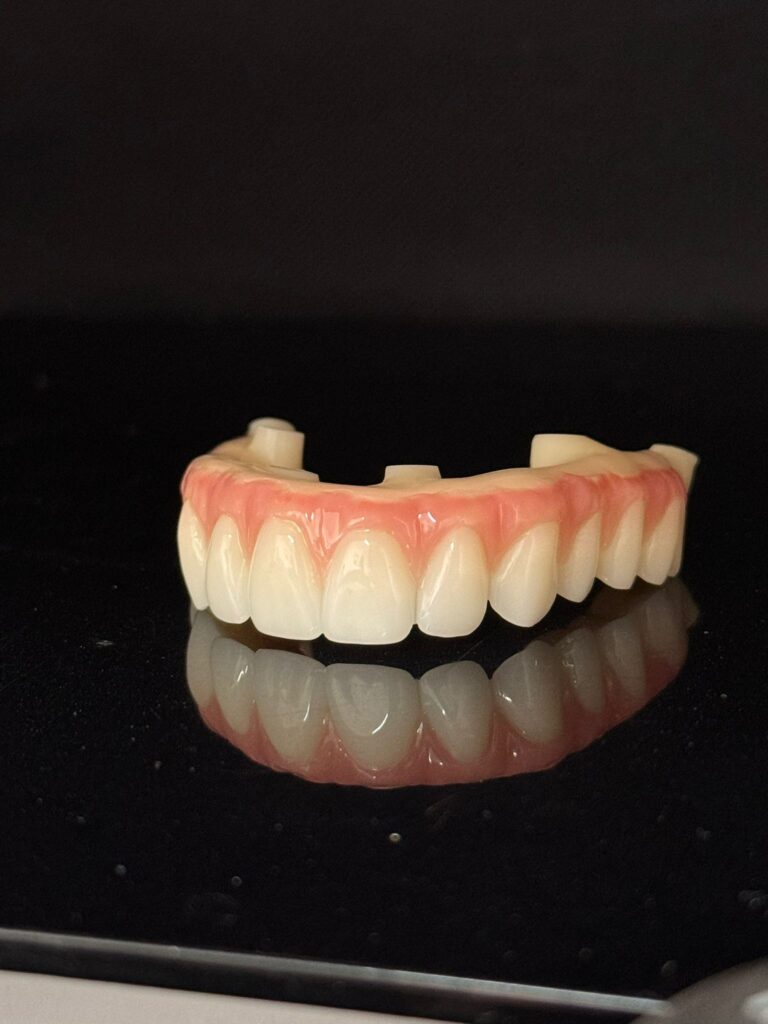
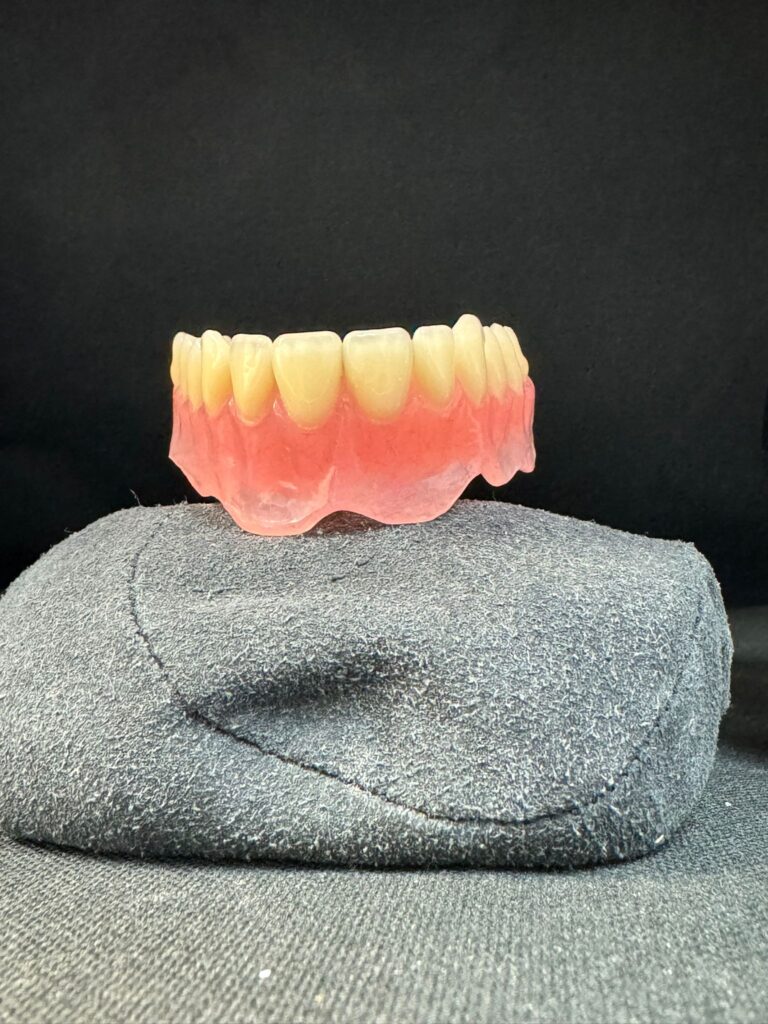
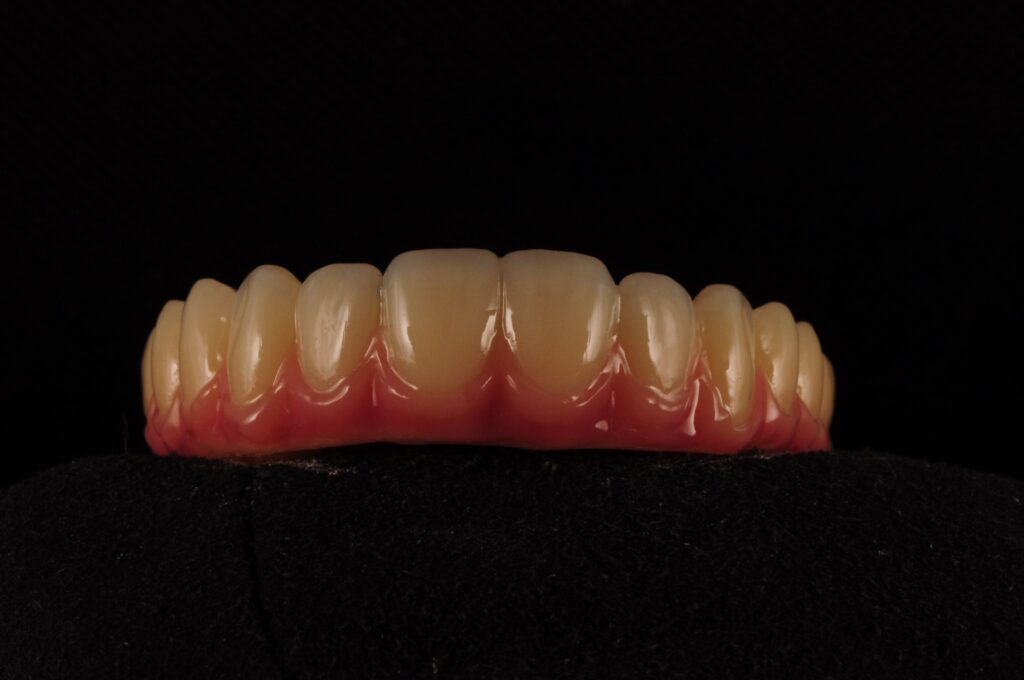
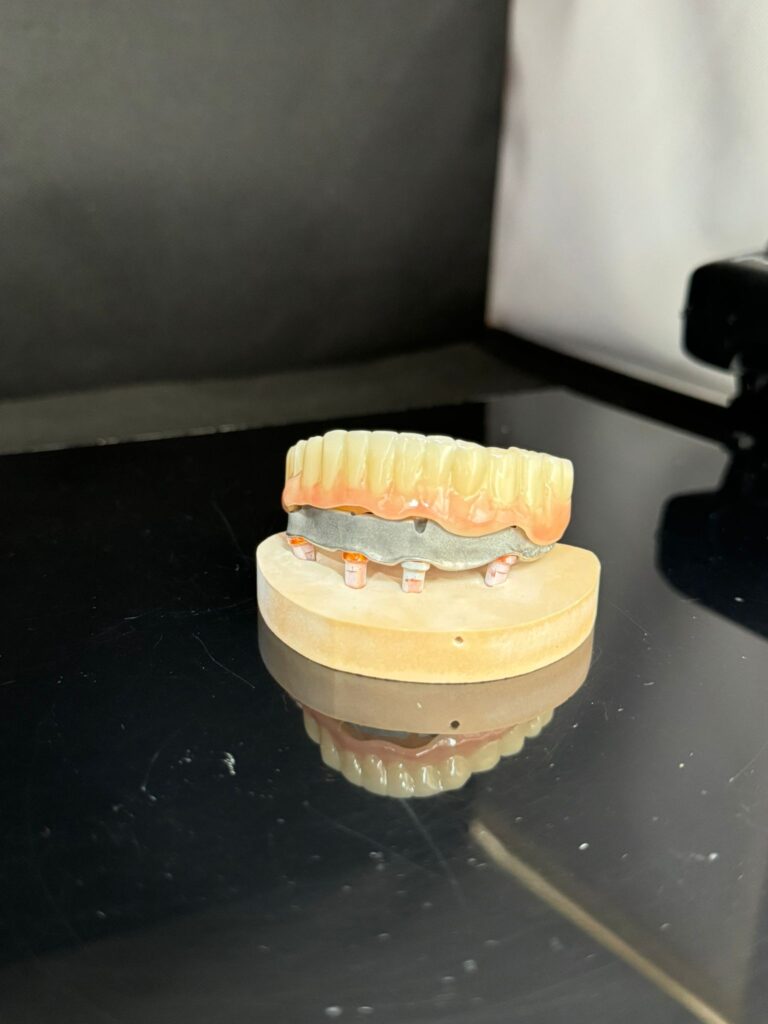
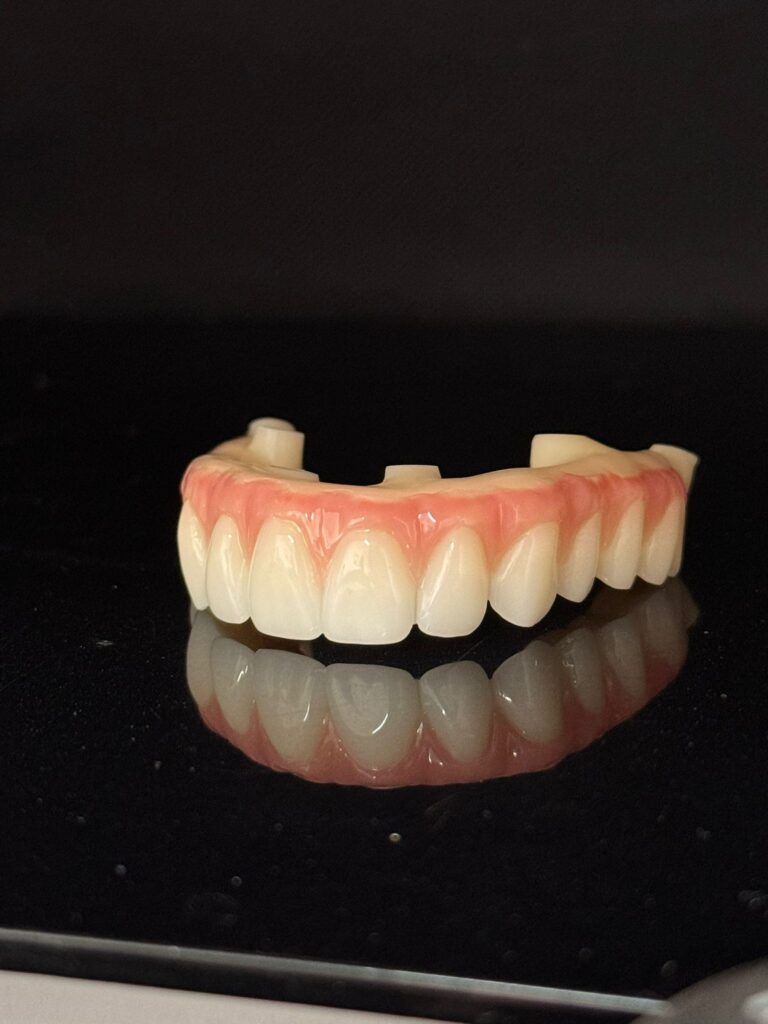
We are proud to be a full-service dental laboratory by putting all attention and details to each and every product, making us reliable. Our team provide complete range of prosthesis, including dentures, crowns and bridges, implant restorations, including all on X , orthodontic appliances, retainers, whitening trays, and complete digital dentistry solutions.
By using advanced technology and premium materials, we ensure every case meets the highest standards of aesthetics and functionality. Whether you require traditional craftsmanship or modern digital workflows, we support dental professionals with consistent results, fast turnaround times, and personalized service.
FAQ
What services does your dental lab offer?
We provide a full range of dental laboratory services, including crowns and bridges, dentures, implants, veneers, orthodontic appliances, and digital restorations.
Do you accept digital impressions?
Yes, we accept digital impressions from all major systems, including iTero, 3Shape TRIOS, and Medit. Please contact us for specific file submission guidelines.
what is your turn around?
What is your turnaround time?
Turnaround times vary depending on the case type:
- Crowns & bridges: 5–7 working days
- Dentures: 7–10 working days
- Implant cases: 7–12 working days
Rush services may be available upon request.
Do you offer custom shading services?
Yes, we offer custom shade matching. Patients can visit our lab for precise shade selection to ensure optimal aesthetics.
How do I send a case to your lab?
You can send cases via:
- Courier/post
- Digital upload (STL files)
- In-person drop-off
You can download lab docket from our website and shipping instructions on request.
Why choose your UK dental laboratory?
- MHRA-registered and fully compliant
- NHS and private dental lab services
- Fast turnaround across the UK
- Digital and traditional workflows supported
- High-quality materials and craftsmanship
What materials do you use?
We use high-quality, industry-approved materials, including zirconia, lithium disilicate, acrylics, and metal alloys to ensure durability and aesthetics.
Do you provide implant solutions?
Yes, we work with leading implant systems and can fabricate custom abutments, implant crowns, bridges, and full-arch restorations.
Can I track my case?
Yes, we offer case tracking and updates. You will be provided with a login where you can book in your cases and can check the status and invoices.
What if I need adjustments or remakes?
We stand by our work and offer adjustment and remake policies. Please contact us within the specified timeframe to arrange corrections.
Are your products compliant with UK regulations?
Yes. All our restorations comply with the UK Medical Devices Regulations (UK MDR 2002, as amended). We are registered with the Medicines and Healthcare products Regulatory Agency (MHRA) and provide a Declaration of Conformity with every applicable device.
Do you provide NHS dental laboratory services?
Yes, we specialize in NHS dental laboratory work in the UK, meeting all material and specification requirements set by NHS England. We work closely with NHS dental practices to deliver reliable, cost-effective restorations.
Do you provide a Declaration of Conformity with dental devices?
Yes, every applicable case includes a Declaration of Conformity, as required for custom-made dental devices in the UK, confirming materials used and regulatory compliance.
“Let’s turn words into something we can build together.”
Docket & Labels
Sending Analogue Impressions? Download Dockets Here
Lab Docket
Download Lab Docket to send us impressions.
Free Post Labels
Each label has a unique tracking number & can’t be used more than once
connect your scanner To send us scans. We aim to deliver cases in 4 to 10 working days .
Connecting with 3Shape TRIOS
-
Navigate to the “Connections” tab in your 3Shape Communicate portal. -
Click on “Add Connection” and search for “Classic Dental Lab “. -
Select our lab and click “Connect”. We will approve your request within 24 hours. -
Once approved, you can select “Classic Dental Lab” directly from your TRIOS scanner when sending new cases.
Connecting with Medit
-
Log in to your Medit Link account. -
Go to the “Partners” section and search for “Classic Dental Lab”. -
Click “Request Partnership”. We will confirm your connection promptly. -
After confirmation, “Classic Dental Lab” will be available as a lab choice for all future scans.
Connecting with iTero
-
From your iTero scanner, select “Add a new lab”. -
Search for Classic Dental Lab using our lab . -
Add us to your list of preferred labs. -
You can now send cases directly to us post-scan.
Connecting with Sirona Connect
-
In your Sirona Connect portal, go to “My Favorite Laboratories”. -
Search for “Classic Dental Lab” or by our email: Info@classicdentallab.co.uk -
Add our lab to your favorites list. -
Select us as the recipient laboratory when exporting a case.
Connecting with Panda
-
Open the Panda scanner software and go to the lab network section. -
Search for “Classic Dental Lab” and send a connection request. -
Once we accept, we will appear in your lab list for direct case submission.
Connecting with Aoralscan (by Shining 3D)
Connecting with Carestream Dental
Connecting with Luanca
Connecting with Aidite
-
Send us your username and we will connect you or → Go to Partners → Search for “Exodent UK” → Request Partnership
Connecting with Aidite
-
Send us your username and we will connect you or → Go to Partners → Search for “Classic dental lab UK” → Request Partnership
Connecting with Fussen
Connecting with Dexis
Connecting with Ivoclar Digital
-
→ Lab info → Add New Lab → Enter “Info@classicdentallab.co.uk” → Set up your Ivoclar account → Log in, go on account settings, click “submit” → Click on cloud settings → Click “Generate New API Key” then “Copy to Clipboard” and close → Select “Send” from the Vivascan software settings submenu, click “cloud credentials” → Enter your Ivoclar cloud username and paste the API in “API Key”. Then close. → To send a case select Classic Dental Lab from the laboratory section in the vivascan software.
Connecting with 3Shape TRIOS
-
Navigate to the “Connections” tab in your 3Shape Communicate portal. -
Click on “Add Connection” and search for “Classic Dental Lab “. -
Select our lab and click “Connect”. We will approve your request within 24 hours. -
Once approved, you can select “Classic Dental Lab” directly from your TRIOS scanner when sending new cases.
Connecting with Medit
-
Log in to your Medit Link account. -
Go to the “Partners” section and search for “Classic Dental Lab”. -
Click “Request Partnership”. We will confirm your connection promptly. -
After confirmation, “Classic Dental Lab” will be available as a lab choice for all future scans.
Connecting with iTero
-
From your iTero scanner, select “Add a new lab”. -
Search for Classic Dental Lab using our lab . -
Add us to your list of preferred labs. -
You can now send cases directly to us post-scan.
Connecting with Sirona Connect
-
In your Sirona Connect portal, go to “My Favorite Laboratories”. -
Search for “Classic Dental Lab” or by our email: Info@classicdentallab.co.uk -
Add our lab to your favorites list. -
Select us as the recipient laboratory when exporting a case.
Connecting with Panda
-
Open the Panda scanner software and go to the lab network section. -
Search for “Classic Dental Lab” and send a connection request. -
Once we accept, we will appear in your lab list for direct case submission.
Connecting with Aoralscan (by Shining 3D)
Connecting with Carestream Dental
Connecting with Luanca
Connecting with Aidite
-
Send us your username and we will connect you or → Go to Partners → Search for “Exodent UK” → Request Partnership
Connecting with Aidite
-
Send us your username and we will connect you or → Go to Partners → Search for “Classic dental lab UK” → Request Partnership
Connecting with Fussen
Connecting with Dexis
Connecting with Ivoclar Digital
-
→ Lab info → Add New Lab → Enter “Info@classicdentallab.co.uk” → Set up your Ivoclar account → Log in, go on account settings, click “submit” → Click on cloud settings → Click “Generate New API Key” then “Copy to Clipboard” and close → Select “Send” from the Vivascan software settings submenu, click “cloud credentials” → Enter your Ivoclar cloud username and paste the API in “API Key”. Then close. → To send a case select Classic Dental Lab from the laboratory section in the vivascan software.